
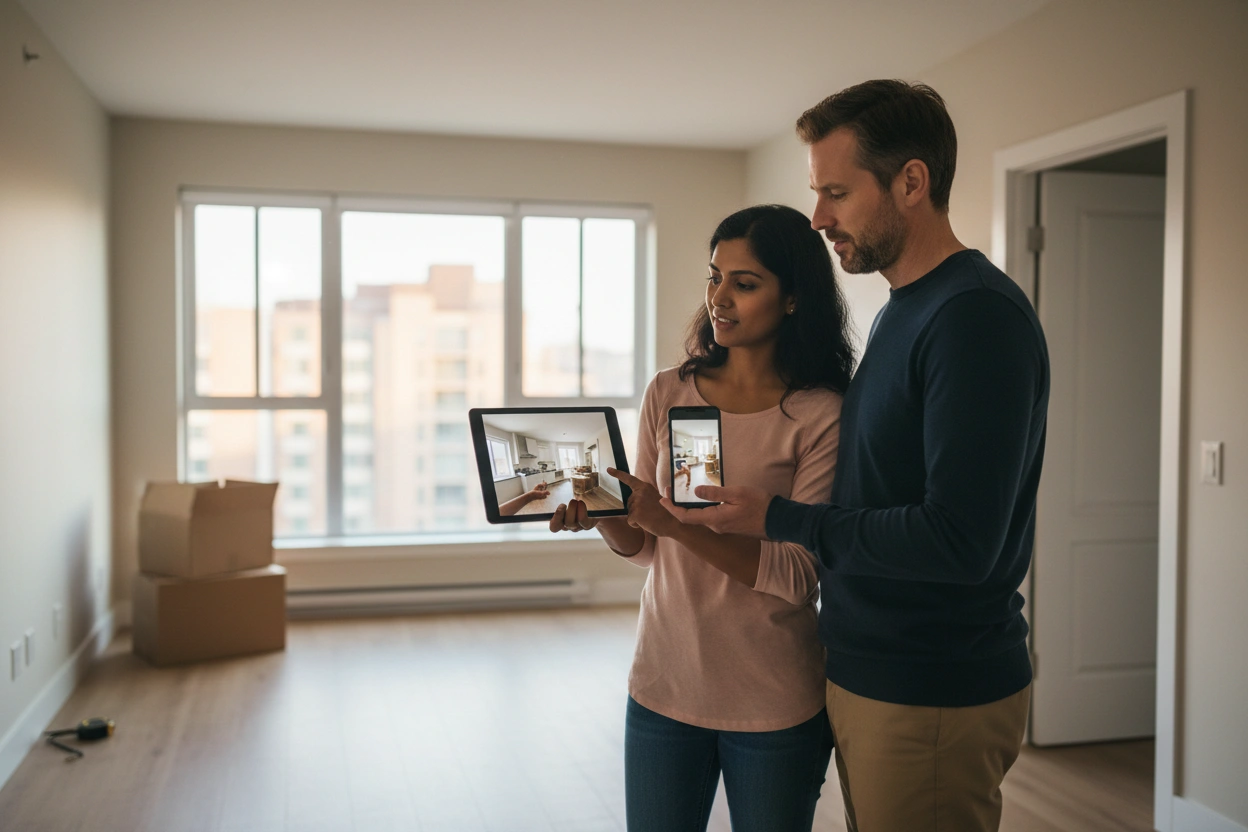
Video walkthroughs let you inspect your rental property remotely without booking a flight or losing a day to travel. You can conduct live video calls with tenants for real-time guidance, or have them record a self-guided walkthrough you review later. Either way, you'll catch maintenance issues early, build a timestamped visual record, and protect yourself against disputes. Keep going to discover exactly how to make every remote inspection count.
Key Takeaways
- Live video calls via Zoom or Google Meet allow landlords to guide tenants through inspections in real time remotely.
- Tenants can self-record walkthroughs using Loom, following a structured checklist to ensure all areas are thoroughly documented.
- Focus inspections on high-risk areas like kitchens, bathrooms, HVAC systems, and smoke detectors for critical condition updates.
- Store timestamped footage in Google Drive or Dropbox to build a reliable visual record of property conditions over time.
- For serious issues like mold, structural damage, or move-out disputes, in-person inspections or local specialists remain essential.
Why Video Walkthroughs Work for Remote Landlords
Video walkthroughs give remote landlords a reliable way to assess property conditions without booking a flight or coordinating an in-person visit. When you conduct remote inspections through live or recorded video, you gain a clear, real-time view of your property's condition while keeping costs low.
You can document wear, identify maintenance issues early, and build a visual record that protects you if disputes arise. Video also improves tenant engagement. When tenants participate in the walkthrough process, they take more ownership of the space and communicate more openly about concerns.
That transparency benefits both sides. You get accurate property data, and tenants feel heard. The result is a more efficient inspection process that keeps your property maintained and your tenant relationships on solid footing. Furthermore, adopting a proactive maintenance strategy can help avoid costly health hazards and foster a long-term investment approach.
What to Inspect During a Rental Video Walkthrough
A thorough video walkthrough covers specific systems and areas in a logical order so nothing gets missed. Follow a consistent inspection checklist each time to catch common issues before they escalate.
Start at the exterior—roof edges, gutters, siding, and entryways. Move inside and check every room methodically: walls, ceilings, floors, windows, and doors.
Then focus on kitchens and bathrooms, where water damage and appliance wear show up most often. Have your tenant pan slowly under sinks, around toilets, and behind the refrigerator.
Test smoke and carbon monoxide detectors on camera. Review the HVAC filter, water heater, and any visible plumbing connections.
Finish in the garage or utility areas. A logical room-by-room sequence keeps the walkthrough efficient and guarantees you're not piecing together footage later to fill gaps. Additionally, regular inspections help identify potential hazards early, ensuring the safety and satisfaction of your tenants.
Live vs. Recorded Walkthroughs: Which Should You Use?
Once you've decided what to inspect, you need to choose how to conduct the walkthrough.
Live video calls work best when you want real-time answers, can direct the tenant's camera to specific areas, or need to address an urgent concern on the spot. Additionally, using a maintenance tracking system can help clarify the specific issues being inspected during the walkthrough. Recorded walkthroughs, on the other hand, let you review footage at your own pace, share it with contractors, and build a timestamped visual record of the property's condition over time.
When Live Makes Sense
Both formats have their place, but live walkthroughs work best when you need real-time answers. If a tenant mentions a concern mid-walkthrough, you can redirect them immediately, ask follow-up questions, and clarify what you're seeing without waiting on a follow-up message.
Live inspections also strengthen tenant engagement. When tenants know you're present and paying attention, they're more likely to point out issues honestly rather than glossing over them. That interaction builds trust and often surfaces problems a recorded video would miss entirely.
Consider going live when you're evaluating damage, reviewing a repair scope, or working through a disagreement about property condition. Anytime the situation calls for dialogue rather than documentation, a live session gives you the control and clarity a pre-recorded walkthrough simply can't match.
Recorded Walkthrough Advantages
Recorded walkthroughs offer three distinct advantages that live sessions can't replicate: flexibility, permanence, and precision. You can review footage on your own schedule, pause on specific details, and rewatch sections as many times as needed. That's a level of landlord efficiency live calls simply don't allow.
Recorded walkthroughs also create a documented record you can reference later—useful for comparing property conditions between tenancies or resolving disputes. During remote inspections, having timestamped video evidence protects you if questions arise about damage or maintenance history.
Finally, recorded walkthroughs allow whoever's filming to move methodically through the property without the pressure of a live audience. The result is typically more thorough coverage, fewer missed areas, and cleaner documentation you can share with contractors, insurers, or your property specialist.
How to Guide Tenants Through a Self-Recorded Walkthrough
When asking tenants to record a self-guided walkthrough, send clear written instructions in advance so they know exactly what to capture and in what order.
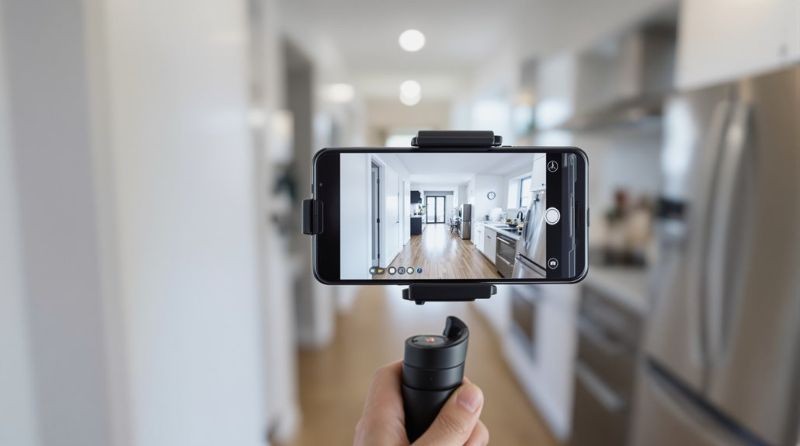
Ask them to record in landscape mode with stable hands or a propped device, moving slowly through each room in natural or well-lit conditions.
Cover every area systematically—entry points, walls, floors, ceilings, windows, appliances, plumbing fixtures, and any spaces previously flagged for wear or damage. Additionally, emphasize the importance of excellent service to ensure that any issues are accurately documented and addressed promptly.
Setting Up the Recording
Before the tenant hits record, give them a clear set of instructions so the footage is actually useful.
Start with camera setup: they should use their phone in landscape mode and keep it steady, either held with both hands or propped against a stable surface. Shaky, vertical footage makes it harder to assess conditions accurately.
Lighting considerations matter just as much. Tell tenants to record during daylight hours and turn on every light in the room before filming. Dark corners and backlit windows hide exactly what you need to see—water stains, wall damage, floor wear.
Finally, have them do a brief test recording in one room before walking the entire property. A quick review lets them catch audio or visibility issues before they're too far in.
What Tenants Should Capture
Once the setup is confirmed, give tenants a specific room-by-room checklist rather than asking them to record whatever seems relevant—left to their own judgment, they'll miss the details that matter most.
Strong video tips include instructing tenants to open every cabinet, closet, and exterior door on camera. Have them flush toilets, run faucets, and test light switches while recording.
For tenant engagement, frame the checklist as a shared benefit—explaining that thorough footage protects their security deposit and speeds up repair requests.
Prioritize these areas: kitchen appliances, water heater, HVAC filters, ceilings for staining, windows for seal integrity, and all flooring junctions. Request close-up footage of anything visibly damaged or worn.
A structured checklist transforms a casual recording into a reliable inspection document you can actually act on.
Tools and Apps That Make Remote Inspections Easy
Here’s your updated article subheading content:
The right tools can turn a remote inspection from a guesswork exercise into a structured, reliable process.
With the right remote technology, you'll collect consistent, documented evidence every time.
Here are four inspection tools worth using:
- Google Meet or Zoom – Conduct live video walkthroughs with screen recording enabled for instant documentation.
- HappyCo or Buildium – Purpose-built property inspection apps that timestamp photos and generate shareable reports.
- Loom – Lets tenants record and send asynchronous video walkthroughs on their own schedule.
- Google Drive or Dropbox – Organize inspection footage and photos in labeled, date-stamped folders for easy retrieval.
Pick tools your tenants can actually use without a learning curve.
Simplicity drives compliance, and compliance gives you the documentation you need. Additionally, utilizing preventative maintenance can help identify issues before they escalate during inspections.
When a Video Walkthrough Isn't Enough
Video walkthroughs cover a lot of ground, but they've hard limits. Video quality only shows what the camera points at, and tenant cooperation determines how thorough that coverage actually is.
If a tenant rushes through the walkthrough, avoids certain rooms, or uses poor lighting, you're left with blind spots.
Some situations demand boots on the ground. Structural concerns, suspected mold, roof damage, or HVAC issues require hands-on assessment that no video can replace.
The same goes for move-out disputes where documentation needs to hold up legally.
When you can't visit yourself, bring in someone you trust. A local property specialist can conduct an in-person inspection, document findings accurately, and give you a clear picture of what's actually happening at your property. Additionally, ensuring that you are familiar with tenant rights can help navigate any disputes that may arise during the inspection process.
Frequently Asked Questions
Can Video Walkthroughs Replace Legally Required In-Person Inspections in My State?
Video walkthroughs can't replace legally required in-person inspections in most states. You'll need to check your local legal requirements and inspection guidelines, as laws vary by jurisdiction. Always verify compliance before substituting virtual methods.
How Often Should Remote Landlords Schedule Video Walkthroughs Throughout the Year?
Schedule three to four video walkthroughs annually—aligning with seasonal shifts keeps your annual scheduling consistent. You'll boost tenant engagement by framing each walkthrough as a check-in, making tenants feel supported rather than monitored.
Are Video Walkthroughs Admissible as Evidence in Tenant Disputes or Court?
Yes, they can be, but evidence validity depends on video quality and proper documentation. You'll want clear footage, timestamps, and tenant notification to strengthen your case in any dispute or court proceeding.
Should I Notify Tenants in Advance Before Requesting a Video Walkthrough?
Yes, you should always notify tenants in advance. Respecting tenant privacy means following your state's notice requirements—typically 24–48 hours. Clear communication guidelines protect you legally and keep your tenant relationship professional and cooperative.
Can a Property Specialist Conduct Video Walkthroughs on My Behalf Instead?
Yes, your dedicated property specialist can conduct remote inspections on your behalf. They'll coordinate with your tenant, complete the walkthrough, and deliver a full report—making property management effortless even when you can't be there.
Conclusion
Video walkthroughs won't replace every in-person visit, but they'll handle most of what remote landlords need between tenants and during routine checks. Set a consistent schedule, use the right tools, and don't rely solely on tenant-recorded footage for high-stakes inspections. When conditions warrant a closer look, bring in a local property specialist. Stay proactive, document everything, and you'll maintain control of your investment without stepping on a plane.