
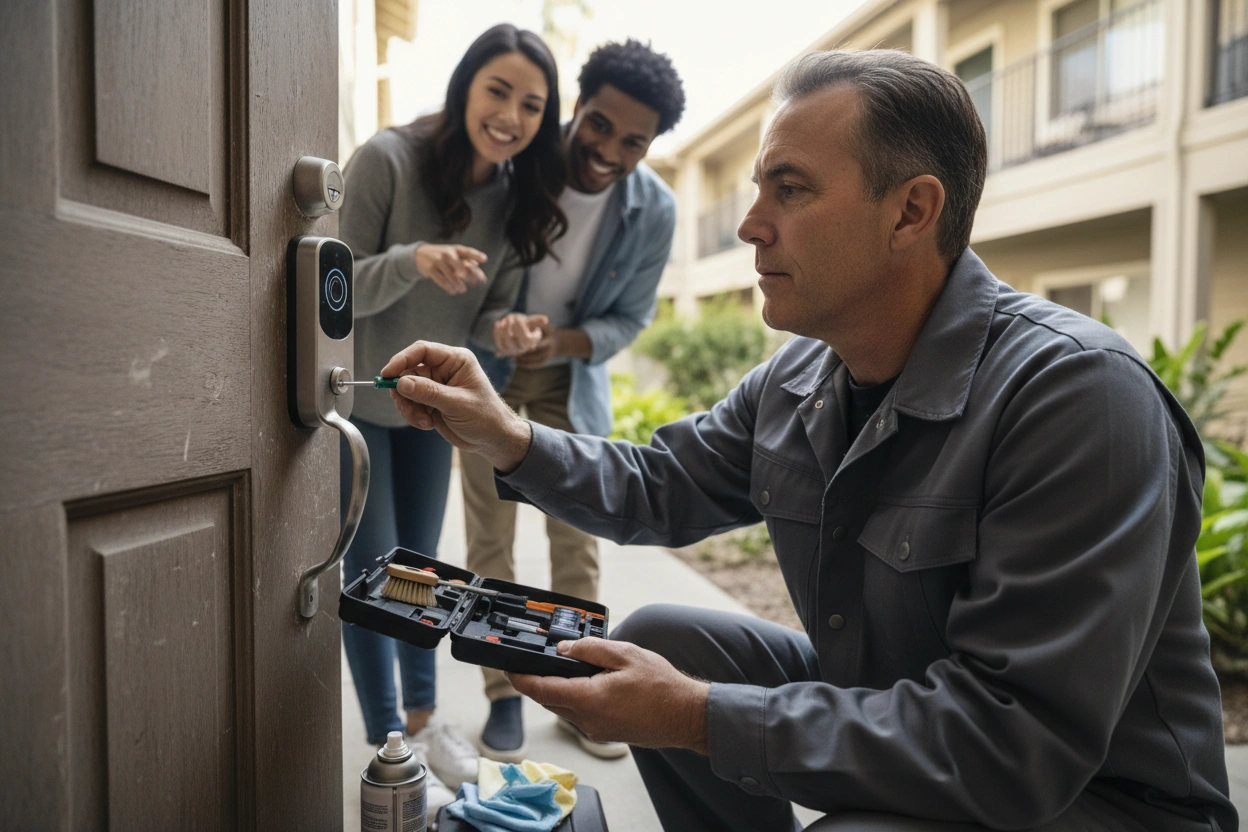
Smart locks replace traditional keys with electronic authentication, using Bluetooth, Wi-Fi, or Z-Wave signals to control access remotely. As a landlord, you'll need to check batteries every six months, monitor firmware updates, and reset all access codes between tenancies. Test connectivity after network changes and educate tenants on physical key overrides for emergencies. Stay proactive with maintenance to prevent costly lockouts and security gaps — there's a lot more to getting this right.
Key Takeaways
- Schedule battery checks every six months, as smart lock batteries typically require replacement every 6-12 months to prevent unexpected tenant lockouts.
- Enable automatic firmware updates or set manual reminders to keep smart lock software current and secure.
- Test lock connectivity after any network changes, ensuring tenants always maintain reliable keypad access.
- Educate tenants on physical key override locations so they can handle emergencies if electronic systems fail.
- Reset and document all access codes between tenancies, deleting previous tenant and contractor codes before new move-ins.
How Smart Locks and Keypad Systems Actually Work
Smart locks and keypad entry systems replace traditional lock-and-key mechanisms with electronic authentication, letting you control property access without ever handling a physical key.
Smart lock technology typically operates through Bluetooth, Wi-Fi, or Z-Wave signals, connecting to a hub or app that lets you grant, revoke, or monitor access remotely. Tenants enter a unique PIN, use a mobile credential, or tap a key fob instead of a physical key.
Keypad entry benefits extend beyond convenience. You can issue temporary codes for contractors, track entry logs, and eliminate lockout calls entirely.
Most systems run on battery power, with low-battery alerts sent directly to your phone. Understanding these core mechanics helps you make smarter purchasing decisions and anticipate the maintenance responsibilities that come with the technology. Additionally, partnering with dedicated property specialists can ensure any technological issues are resolved quickly and efficiently.
Choosing the Right Smart Lock for a Rental Property
Knowing how smart locks work is only half the equation—picking the right one for a rental property is where the real decision-making starts.
Focus on smart lock features that actually matter in a rental context: keypad entry, auto-locking, low-battery alerts, and remote access. Avoid models that rely solely on smartphone apps, since not every tenant uses compatible devices.
Deadbolt replacements are generally the safest bet for installation considerations—they fit standard door prep and don't require significant modifications. Check whether the lock works with your existing door hardware before purchasing.
Durability matters too, especially in high-traffic units or properties in wet climates like Seattle or Portland. Prioritize locks with weatherproof ratings and strong manufacturer support to avoid reliability issues down the road. Additionally, consider how excellent service can enhance tenant satisfaction and reduce turnover associated with lock issues.
Battery Life, Connectivity, and Firmware: The Ongoing Upkeep
Once you've chosen a smart lock, the real work is keeping it functional between tenant turnovers and day-to-day use.
Battery replacement is the most common maintenance task—most locks run on AA or AAA batteries and need replacing every six to twelve months depending on usage. Don't wait for a low-battery alert; schedule proactive checks twice a year.
Connectivity issues are equally disruptive. If your lock relies on Wi-Fi or Z-Wave, a router change or network outage can leave tenants locked out. Test connectivity after any network updates.
Firmware updates are just as critical—manufacturers regularly push patches that fix bugs and close security vulnerabilities. Enable automatic updates when possible, or set a reminder to check manually every few months.
What to Do When a Smart Lock Fails or Malfunctions
Even the most reliable smart lock will eventually malfunction, and how you respond matters as much as the lock you chose.
Start with basic troubleshooting tips: check the battery, verify Wi-Fi or Bluetooth connectivity, and confirm the app isn't experiencing an outage. Many failures trace back to these simple issues.
If the lock won't respond at all, most models include a physical key override—make sure your tenants know where it's before they need it.
For persistent issues, contact the manufacturer's support line before assuming the unit needs replacement.
Address security concerns immediately if a lock gets stuck in the open position or stops logging access.
Document the malfunction, notify your tenant, and temporarily revert to a physical lock until the issue is fully resolved. Additionally, consider implementing preventative maintenance strategies to identify and address issues before they escalate.
Managing Access Codes Between Tenants and Turnovers
One of the most important security practices you can implement as a landlord is resetting all access codes between tenancies—every single time, without exception.
Strong access code management means you're never relying on a previous tenant to return keys or trusting that old codes won't get shared. Before a new tenant moves in, delete every existing code from the system—including any you created for contractors or cleaning crews during the turnover.
Tenant communication plays a direct role here. Provide new tenants with their unique access code only after the lease is signed and not before their move-in date.
Document every code change with a timestamp. If your lock supports it, assign individual codes per person so you can revoke access individually without disrupting everyone else. Additionally, ensure that you have a clear mold management policy in place to address any potential issues that may arise during the tenancy.
When to Repair, Reset, or Replace Your Smart Lock
Smart locks don't last forever, and knowing when to repair, reset, or fully replace one can save you from a security gap or an unnecessary expense.
Common repair indicators include unresponsive keypads, inconsistent locking, connectivity drops, or physical damage to the bolt mechanism. These issues often signal a fixable hardware or software problem rather than full replacement.
Reset procedures make sense after tenant turnovers, a suspected code breach, or when the lock behaves erratically after a firmware update.
A full replacement becomes necessary when the lock is past its warranty, parts aren't available, or repeated resets don't resolve the issue.
Tracking each lock's age, performance history, and manufacturer support window helps you make the right call before a small problem becomes a liability. Additionally, maintaining clear communication with tenants about the status of repairs can help establish trust and ensure timely resolutions.
Frequently Asked Questions
Are Smart Locks Covered Under a Standard Rental Property Insurance Policy?
Smart locks aren't always covered under standard rental property insurance. You'll need to review your policy for equipment coverage and tenant rights protections, then contact your insurer to confirm insurance coverage for these devices specifically.
Can Tenants Legally Refuse a Landlord's Request to Install a Smart Lock?
Yes, tenants can legally refuse if it affects their lock security or violates tenant rights under local law. You'll want to review your lease terms and check jurisdiction-specific rules before moving forward with any smart lock installation.
Do Smart Locks Affect a Rental Property's Overall Market Value or Appeal?
Yes, they boost your property's appeal. Smart locks enhance tenant convenience and improve security perception, making your rental more attractive to quality tenants. That edge can justify higher rents and reduce vacancy rates effectively.
Who Is Responsible for Smart Lock Costs, the Landlord or the Tenant?
As the landlord, you're typically responsible for smart lock costs. You'll want to review local tenant rights laws and your lease terms, as cost sharing arrangements can vary depending on your location and agreement.
Are There Local Regulations in Seattle or Portland Governing Smart Lock Use?
Seattle and Portland don't have smart lock regulations specific to rental properties, but you'll need to address tenant privacy concerns under broader landlord-tenant laws covering entry notice requirements and data handling practices.
Conclusion
Smart locks can genuinely simplify how you manage your rental properties — but only if you're staying on top of the upkeep. Change batteries before they die, keep firmware updated, rotate access codes between tenants, and know your plan before a malfunction happens. These systems reward landlords who treat them proactively. Ignore the maintenance, and you'll spend more time putting out fires than enjoying the convenience you installed them for.